
Plan Your Schedule.
Connect With Peers.
Stay Updated.


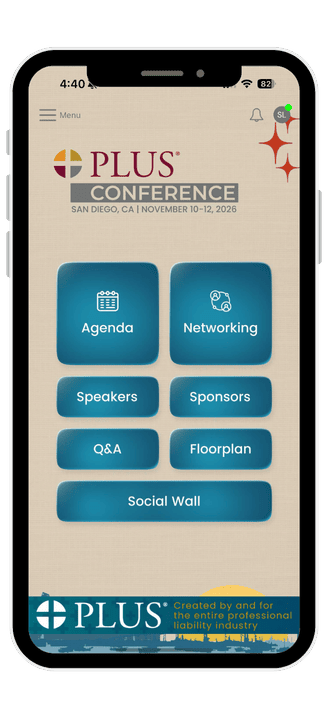
Take control of your conference experience. Customize your schedule to fit your interests, connect with attendees through messages and meetings, join live Q&A sessions with speakers, and capture & share memorable moments from the event. Stay engaged, stay connected, and make every session count.
Sign In Tips
We’ve added a one-time passcode (OTP) for extra security. Here’s how to get through it.
- Already downloaded the PLUS Events app for a previous event?
Click on the upper lefthand hamburger menu in that event, and then click on Exit to View Other Events. - If you’re not receiving your OTP code:
Your code is sent to the email address on your account. Check your spam, junk, or promotions folder, since it sometimes lands there. - If the app won’t accept your sign-in or seems stuck (some Android and Samsung devices):
An older version of the app may be causing the issue. Try uninstalling the app, reinstalling the latest version from the Play Store, and signing in again. Your account and data are saved to your account, so you won’t lose anything. - Still stuck?
Contact us at support@aitl.io(opens in new tab), and we’ll get you sorted out. Please include your device type and the email address on your account.
